Host search — same bar for every host
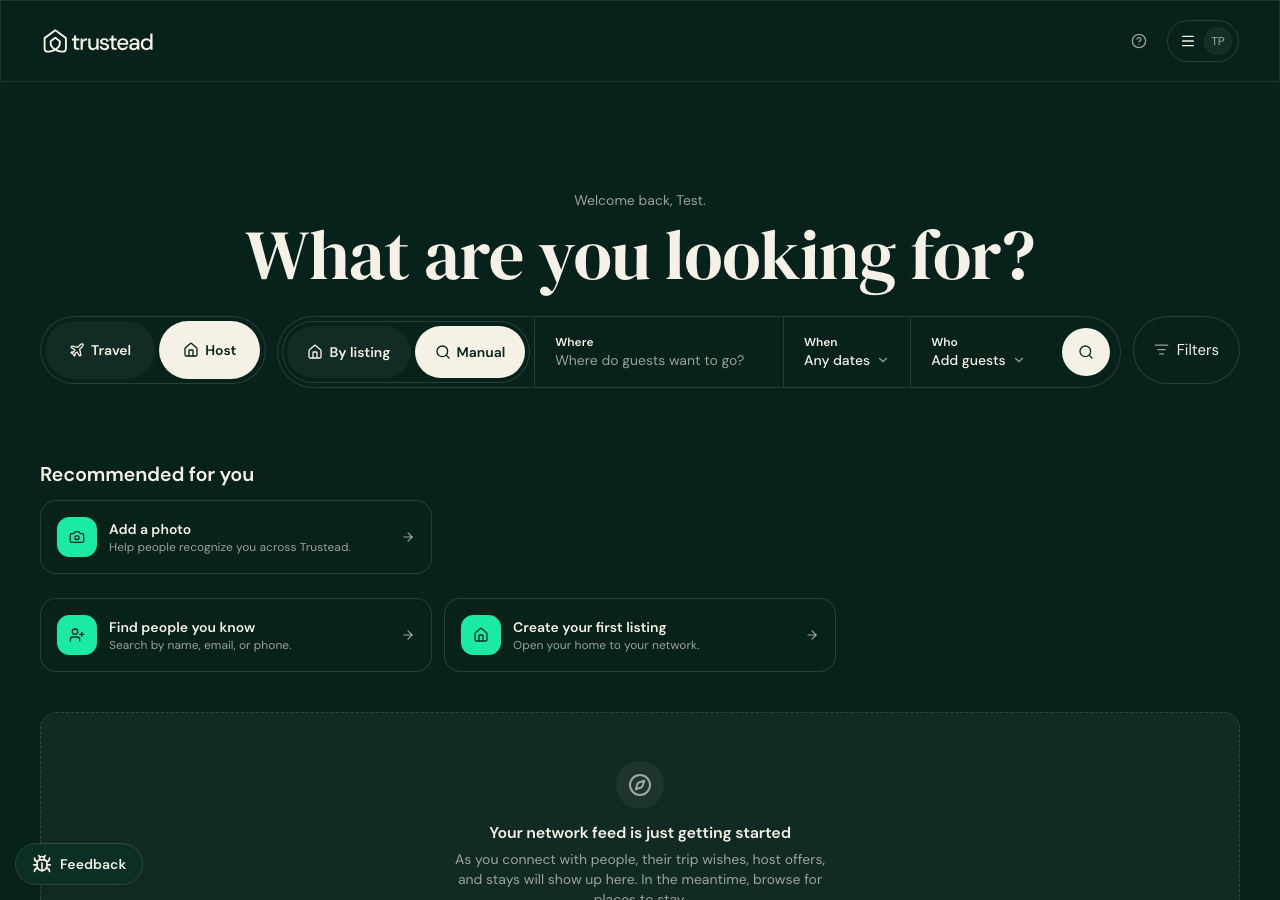
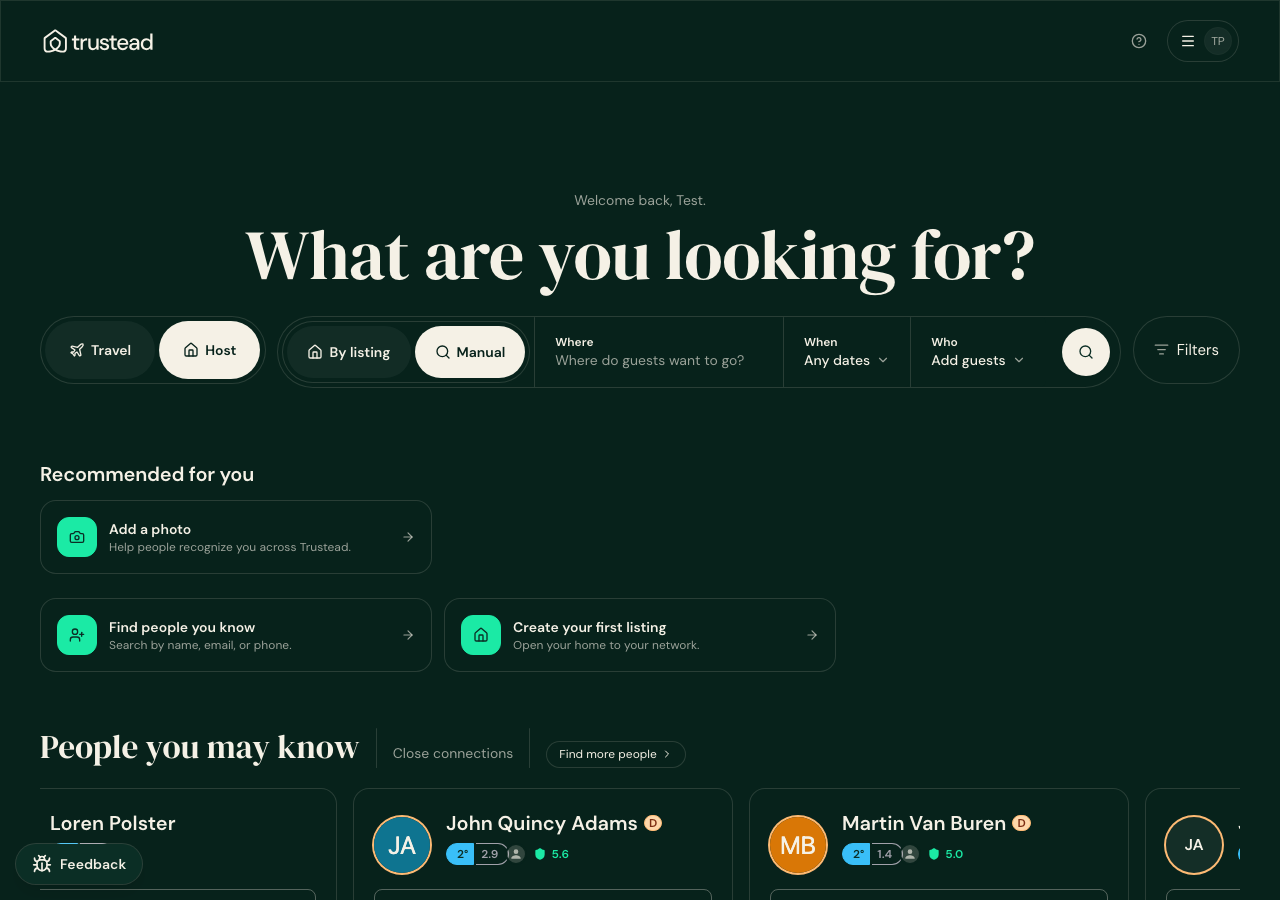
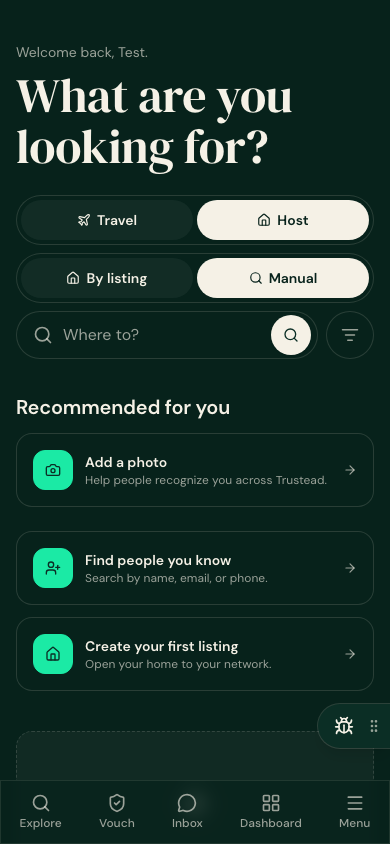
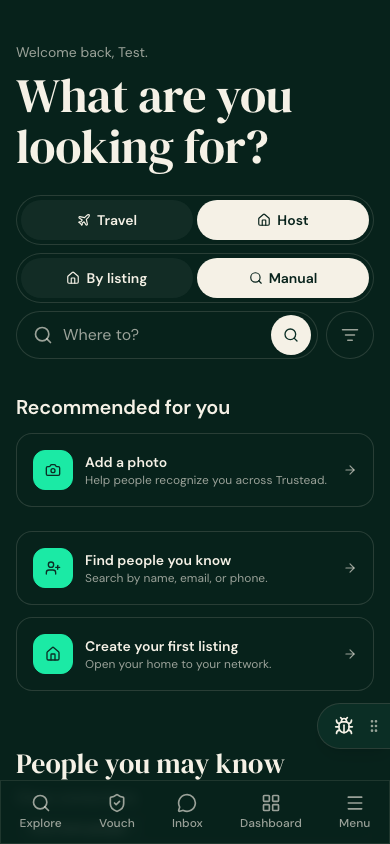
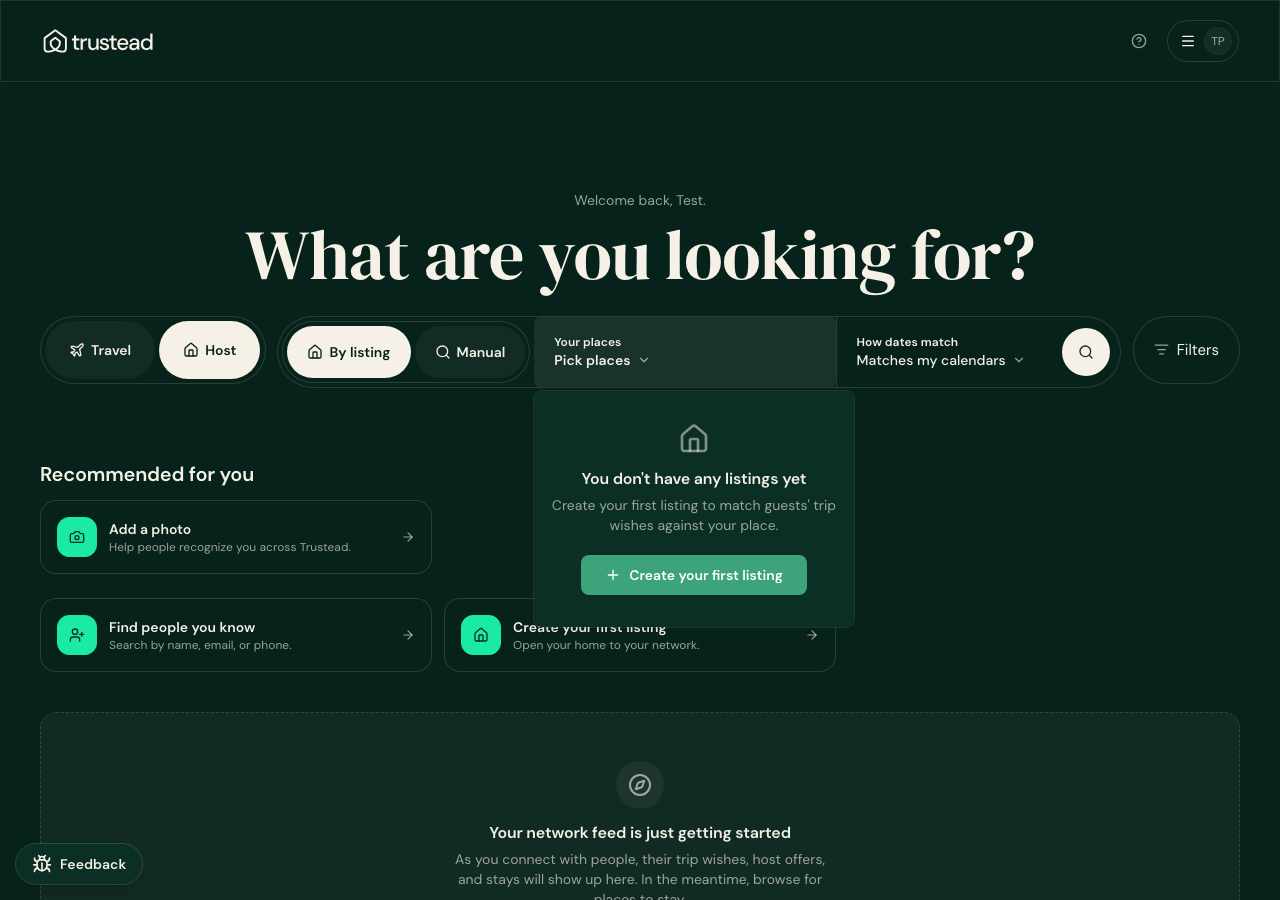
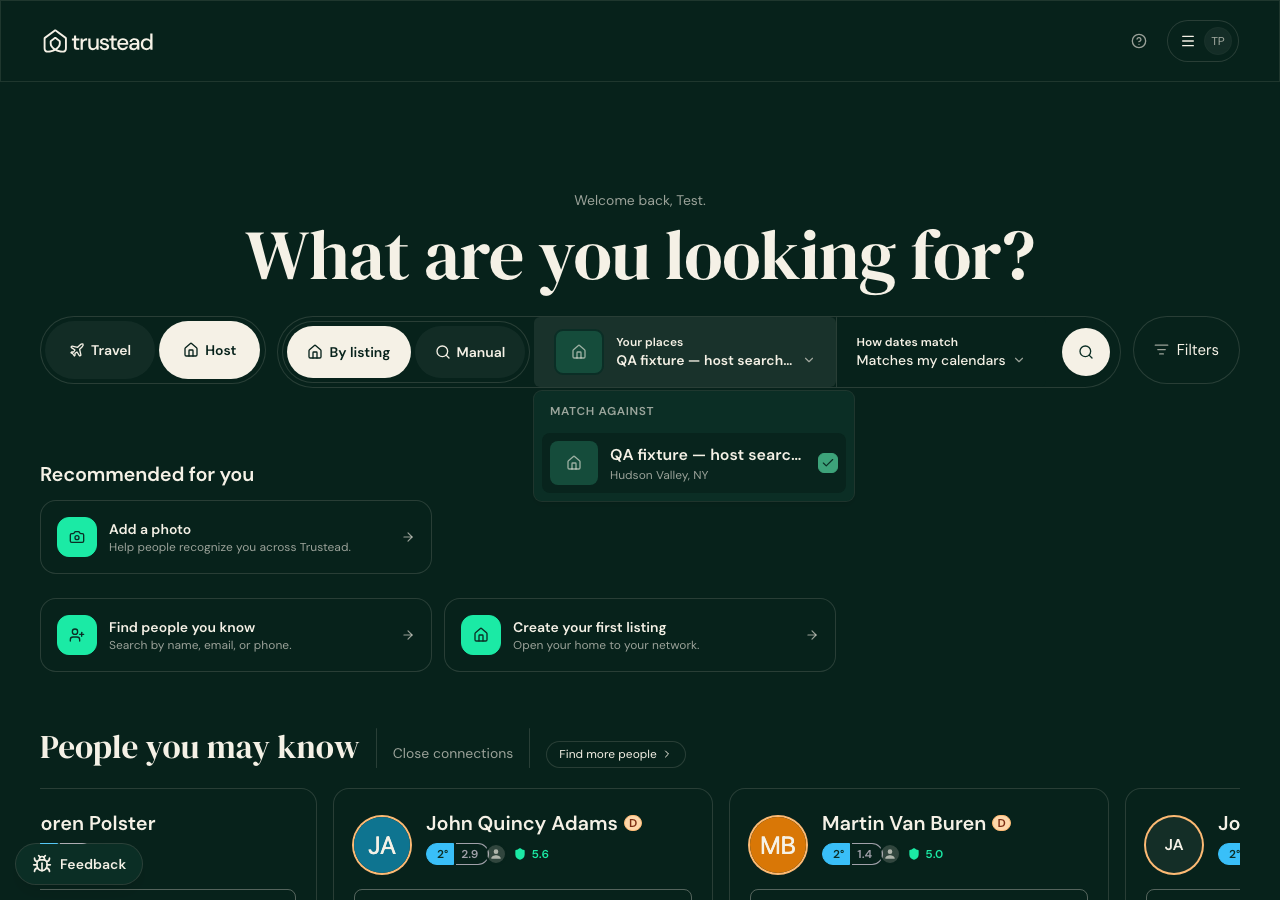
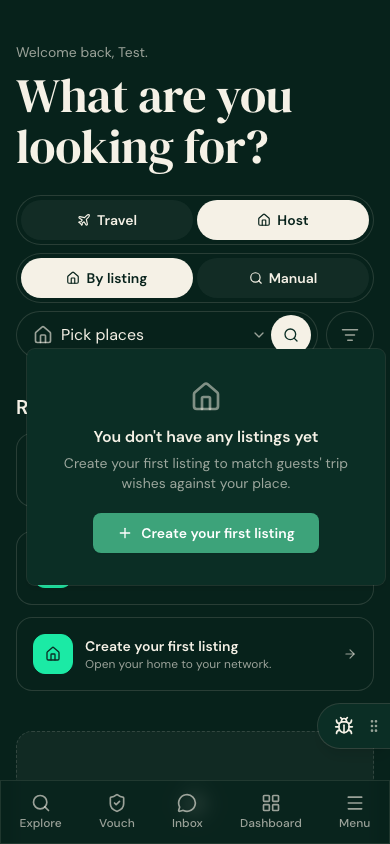
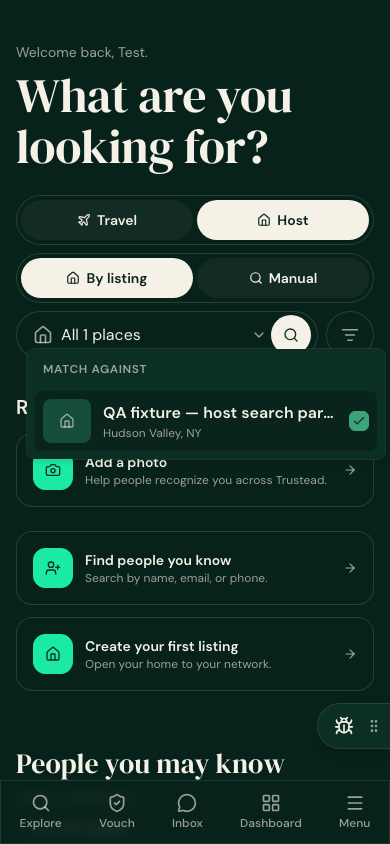
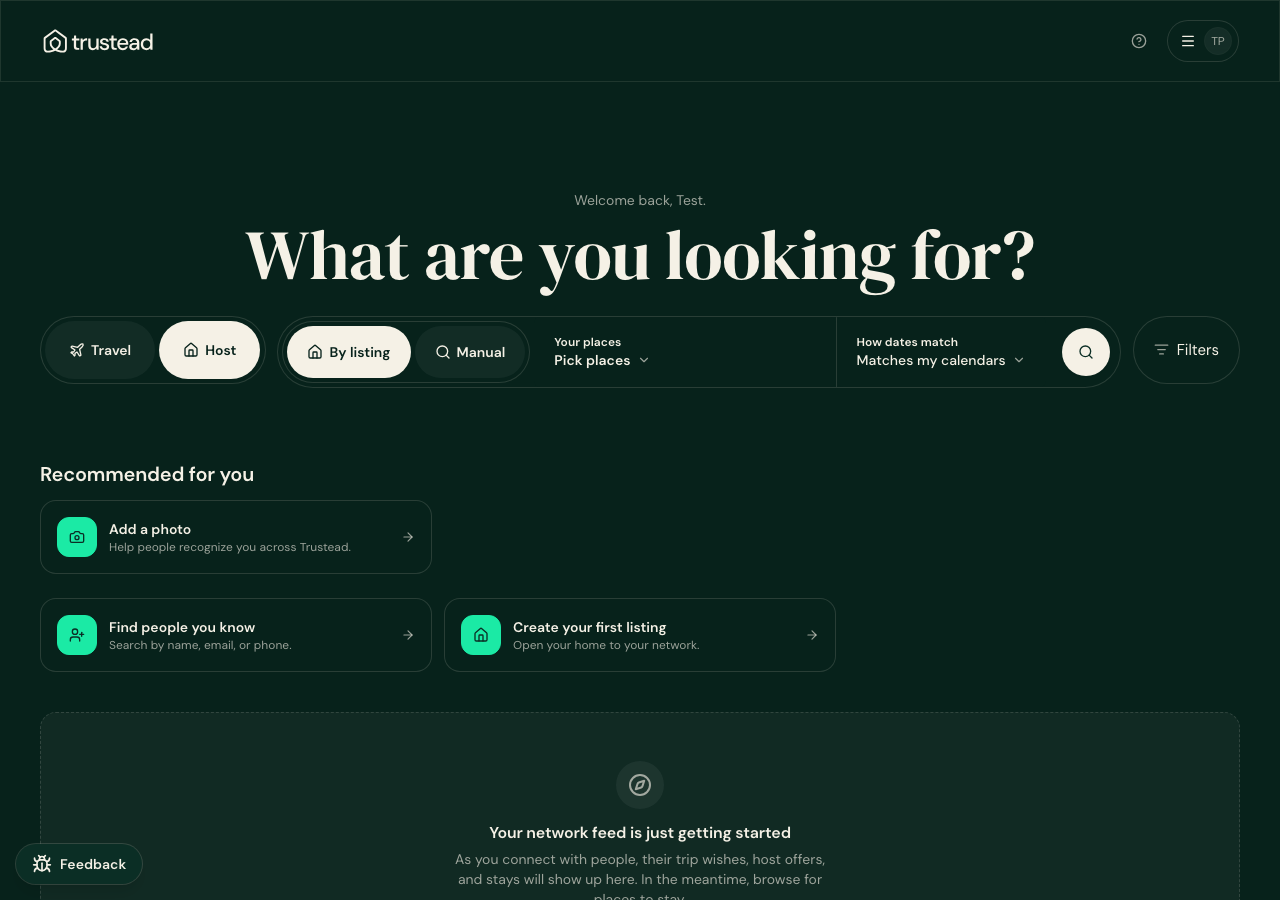
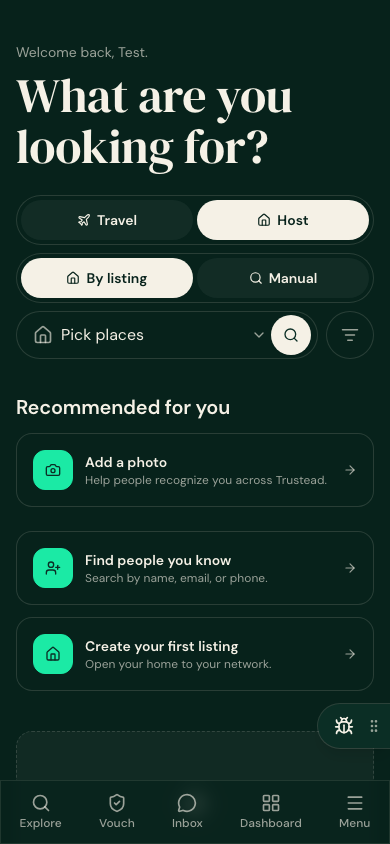
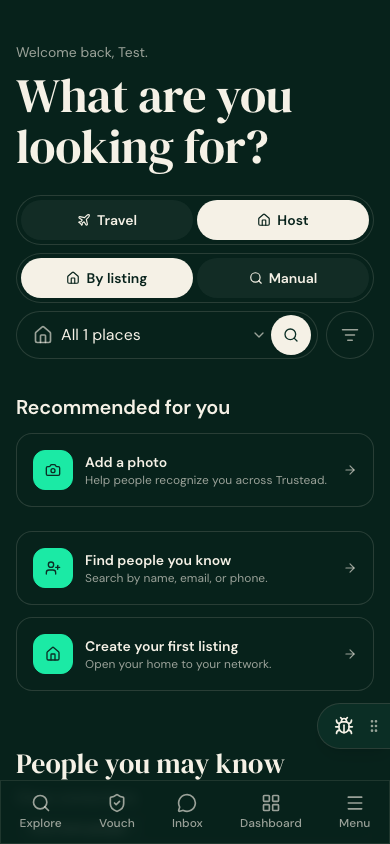
Verified signed-in on staging (next.trustead.app). Left column = a host with no listings. Right column = a host with a listing. Desktop 1280 and mobile 390.
- ✓ Both options — By listing and Manual — show for both hosts.
- ✓ Manual is the one selected on arrival, for both.
- ✓ Tapping By listing with no listings explains it and offers Create your first listing.
- ✓ Same result on the browse page and the trip-wishes page; nothing overflows at 390.
Arrival — Host mode
Identical bar in both cases; Manual preselected.
After tapping “By listing”
The picker opens. No listings → the message + create link. Has a listing → the normal list.
By-listing selected, picker closed
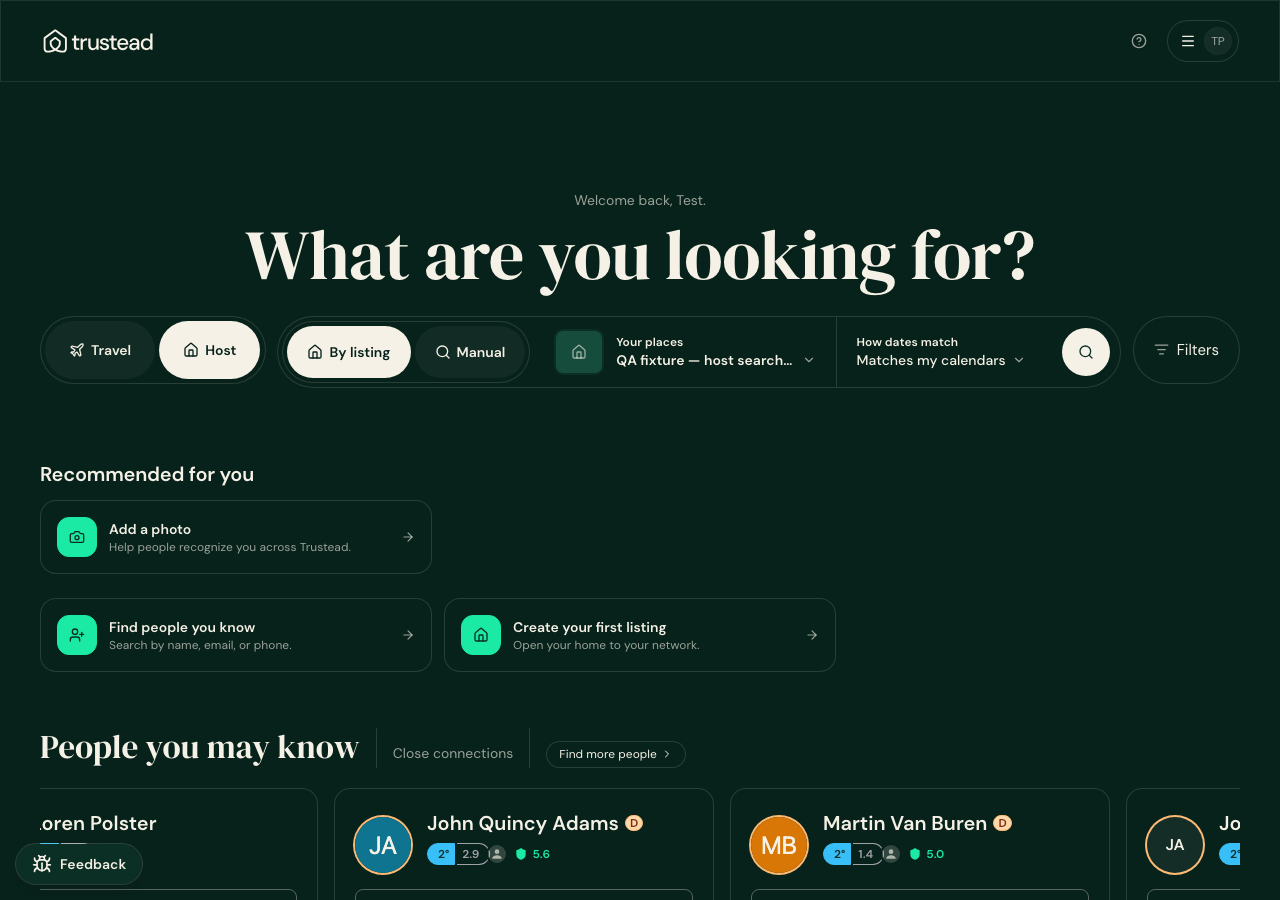
The “QA fixture” listing shown in the right column was created only for this check and has been deleted from staging.